Official app
Happ
Install Happ, add your subscription link, choose a profile, and connect.
CONNECTION HELP
Copy your link, choose a device, and follow the steps for its app.
ON THE WEBSITE
Install Happ, add your subscription link, choose a profile, and connect.
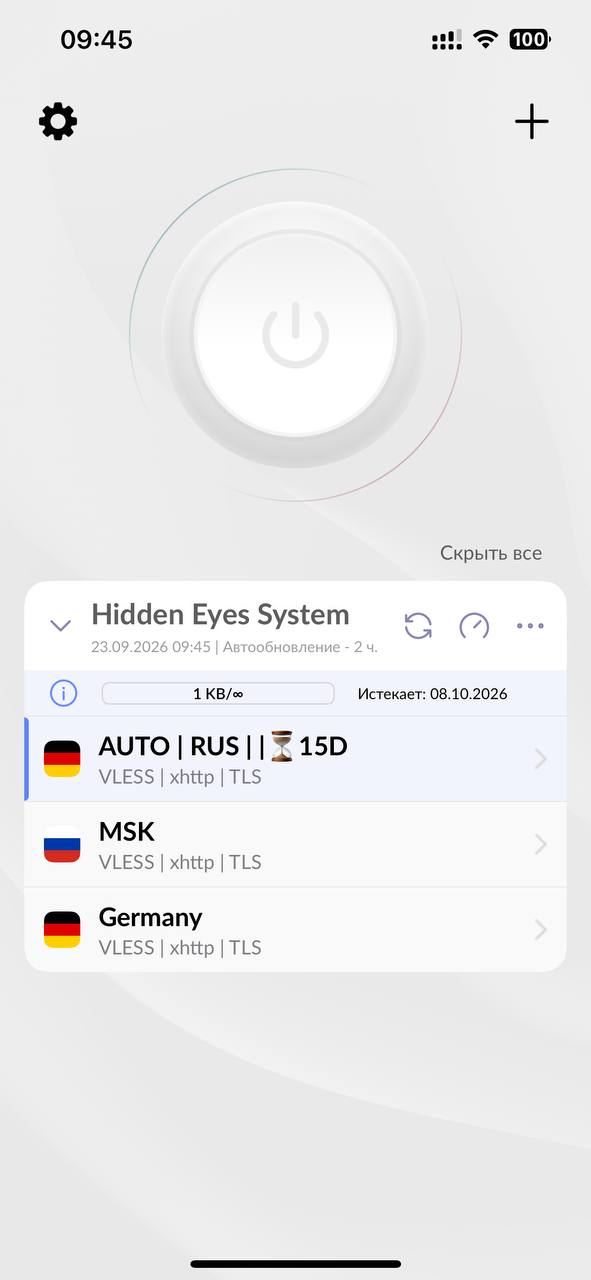
Add the subscription link, choose a profile, and connect. If Incy is already installed, its import flow remains available.
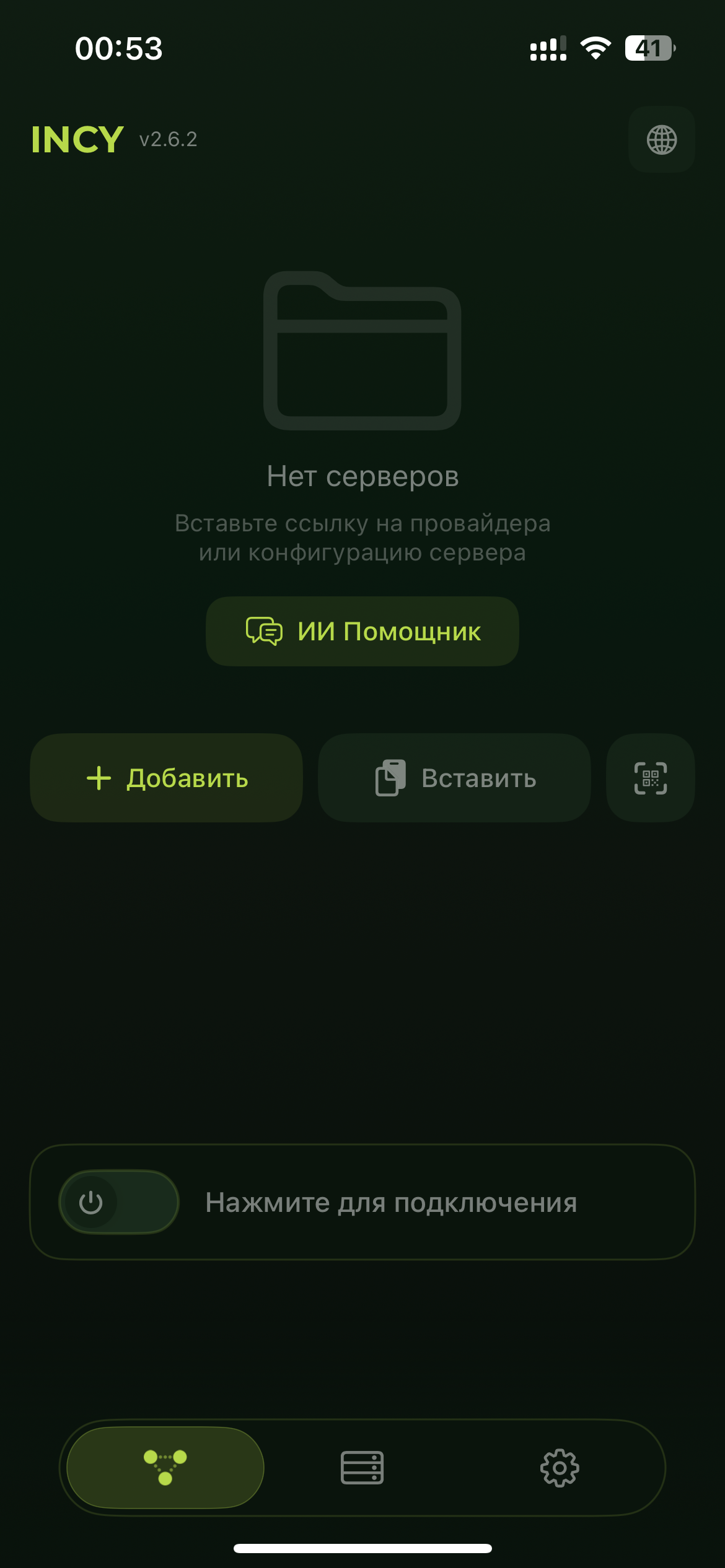
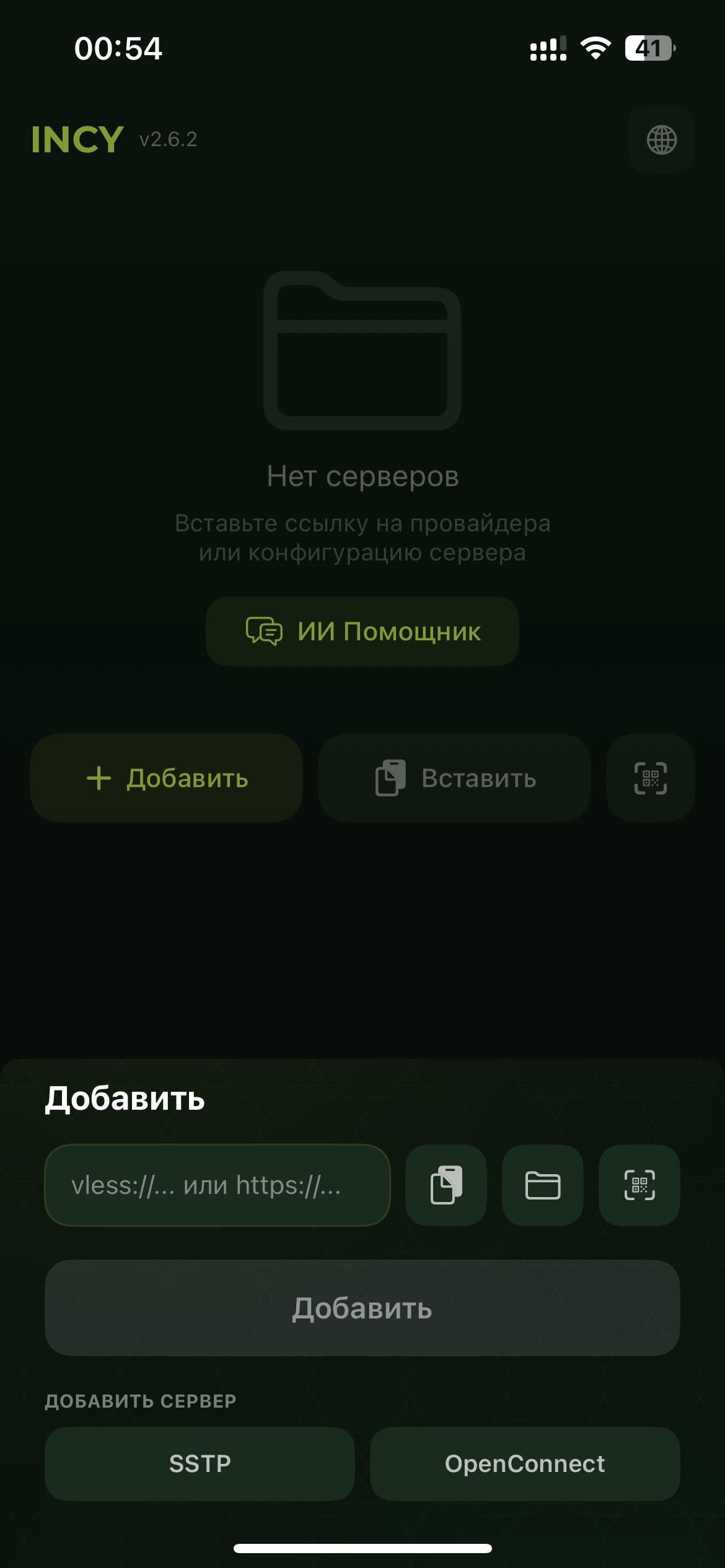
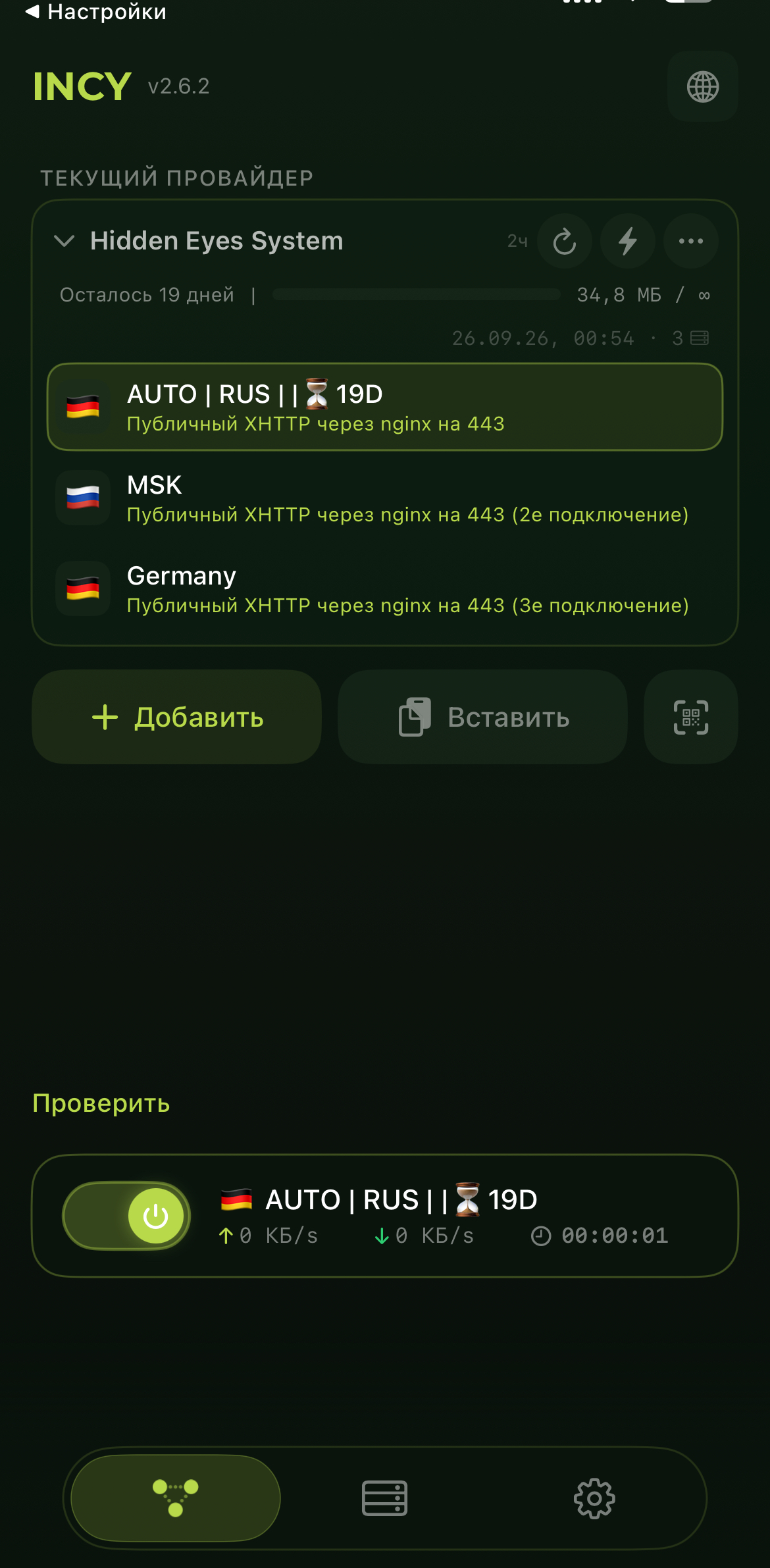
Imports subscriptions; the current client supports XHTTP.
APK for recent phones ↗Other builds ↗Subscription import and XHTTP; Android 8 or later.
Download official APK ↗All releases ↗One APK for phone and Android TV; subscriptions and XHTTP.
Download official APK ↗All releases ↗After a renewal or profile-list change, open the app's subscription menu and refresh it.
Add your subscription, choose a profile, and connect. Requires iOS 16 or later.
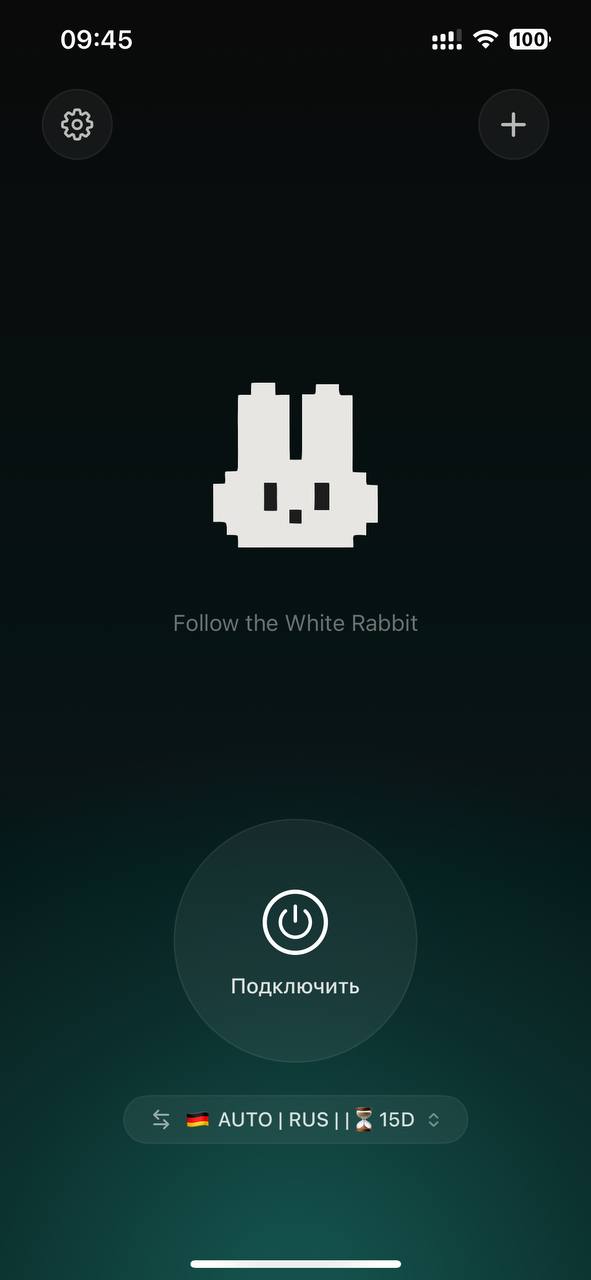
After renewal or a profile-list change, refresh the subscription in Wrabbit Proxy.
Incy supports subscription links and imports. Requires iOS or iPadOS 15 or later. Availability of its US App Store listing may vary by account region.
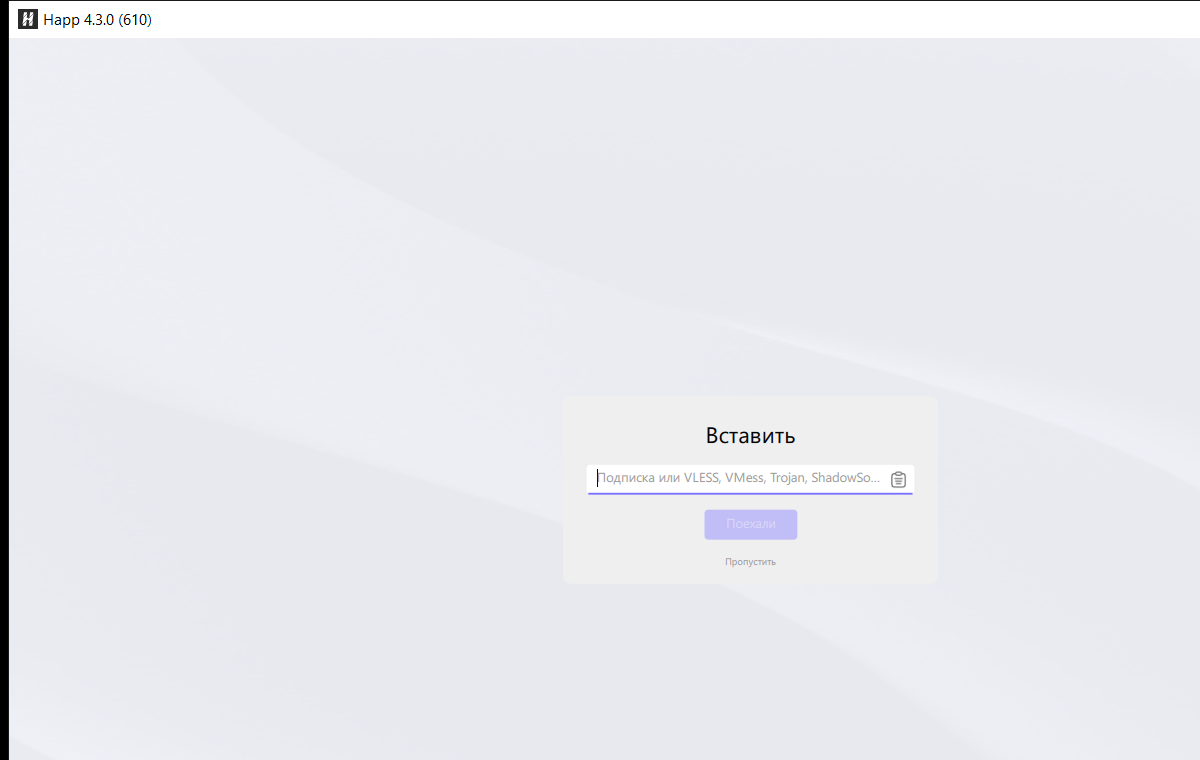
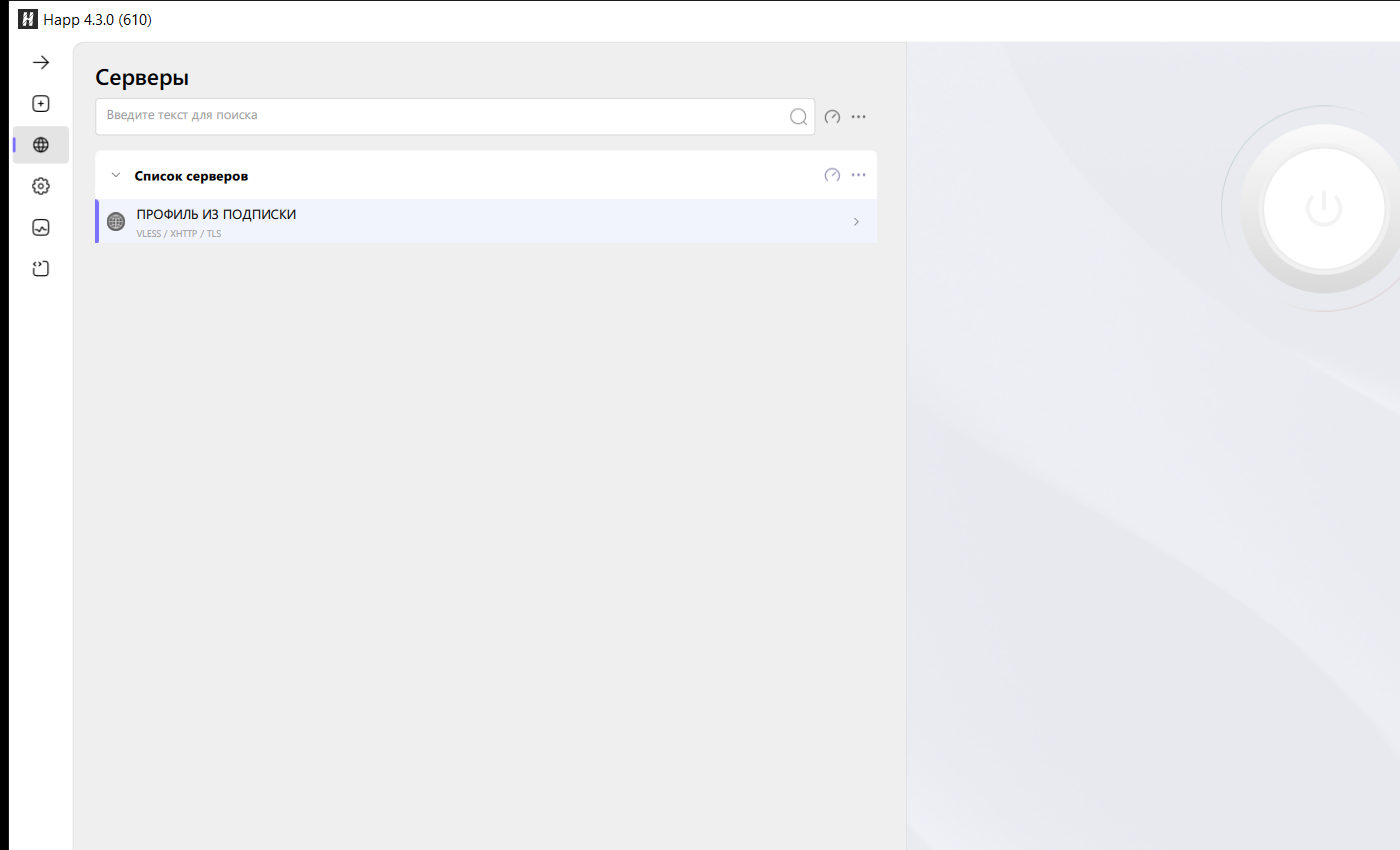
Add the subscription, choose a profile, and connect.
This guide uses Happ for Windows PCs.
IF IT DOES NOT CONNECT